Recording a podcast can be as simple as plugging a microphone into a laptop, but producing a show that sounds polished—and looks professional on video—requires more than basic equipment.
The room, microphones, lighting, camera setup, background, and overall recording process all affect the finished episode. They also affect how comfortable you and your guests feel while recording.
That is why more creators, businesses, and organizations are choosing to rent professional podcast studios rather than trying to build a temporary setup in an office, spare room, or home.
Before booking a podcast studio in San Diego, consider what you are producing, how you plan to use the content, the overall goals for your business/podcast, and whether the space can support your show as it grows.
1. Decide Whether You Need Audio, Video, or Both
The first step is deciding what the final podcast should look like.
An audio-only show may need little more than quality microphones, headphones, and a quiet recording room. A video podcast requires additional planning around cameras, lighting, backgrounds, seating, and how each person will appear on screen.
Video also gives you more ways to use every recording. In addition to publishing the full episode, you can turn one conversation into short clips for Instagram, TikTok, YouTube, LinkedIn, and other platforms.
Even when audio is the main product, recording video at the same time can give your show more opportunities to reach new audiences.
2. Look at What Equipment Is Included
Not every podcast studio rental is set up the same way. Some are primarily designed for audio recording, while others are built to accommodate both audio and video production.
Before booking, ask what equipment is included with the space and what you or your production team will need to bring.
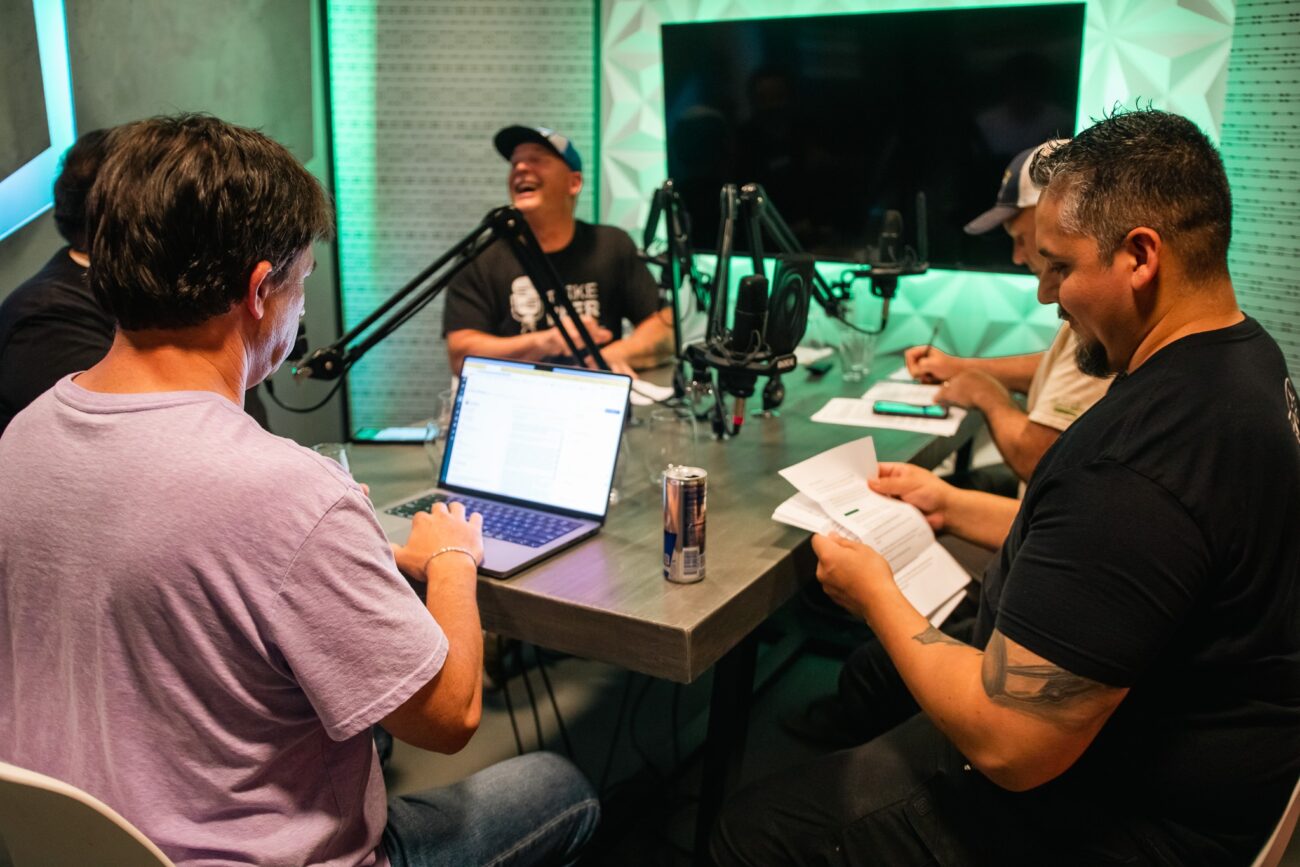
For audio recording, look for professional microphones, individual headphones, and a reliable recording console that can capture each speaker clearly. If you plan to record video, consider whether the room has professional lighting, enough space for cameras and crew, and a set that looks good on screen. You should also ask whether the studio can recommend photographers, videographers, or production teams if you do not already have one.
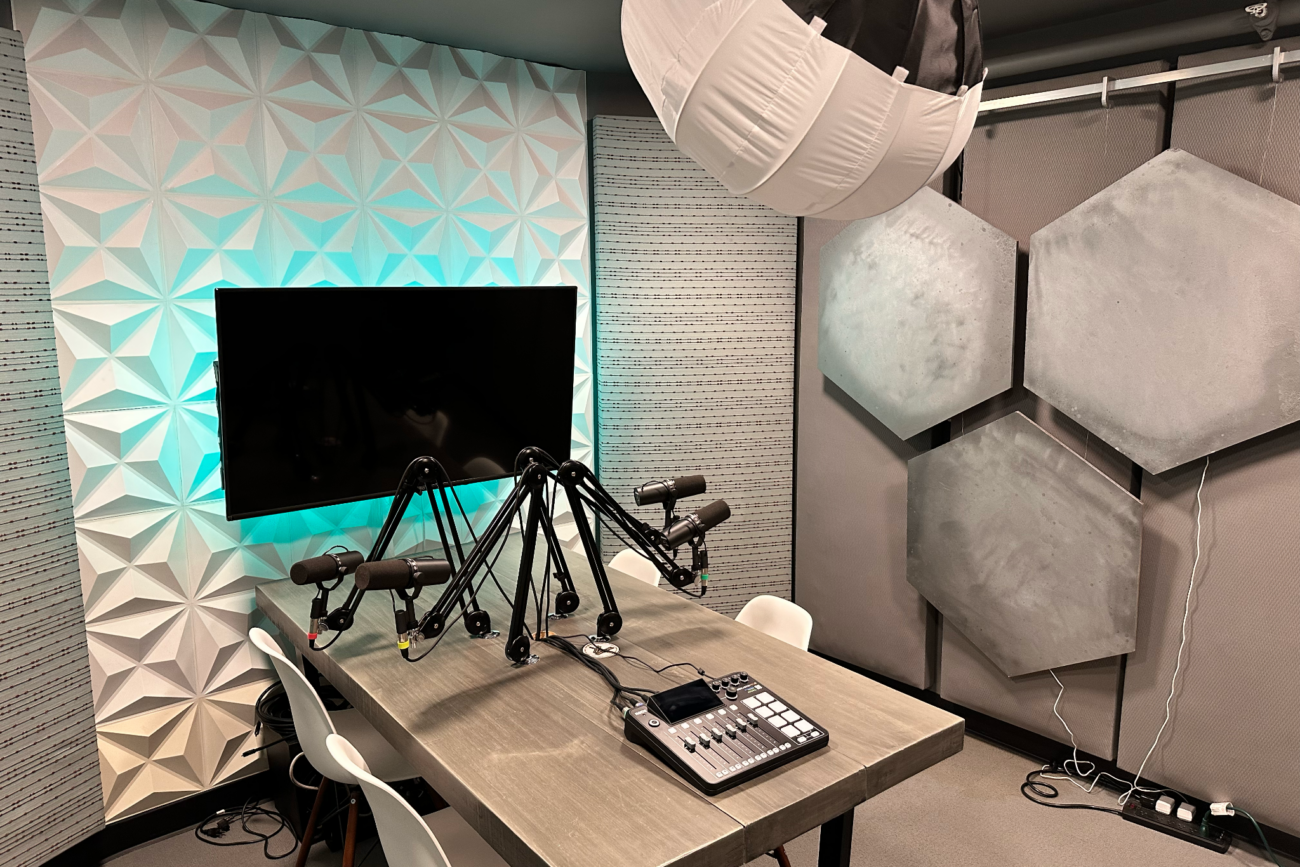
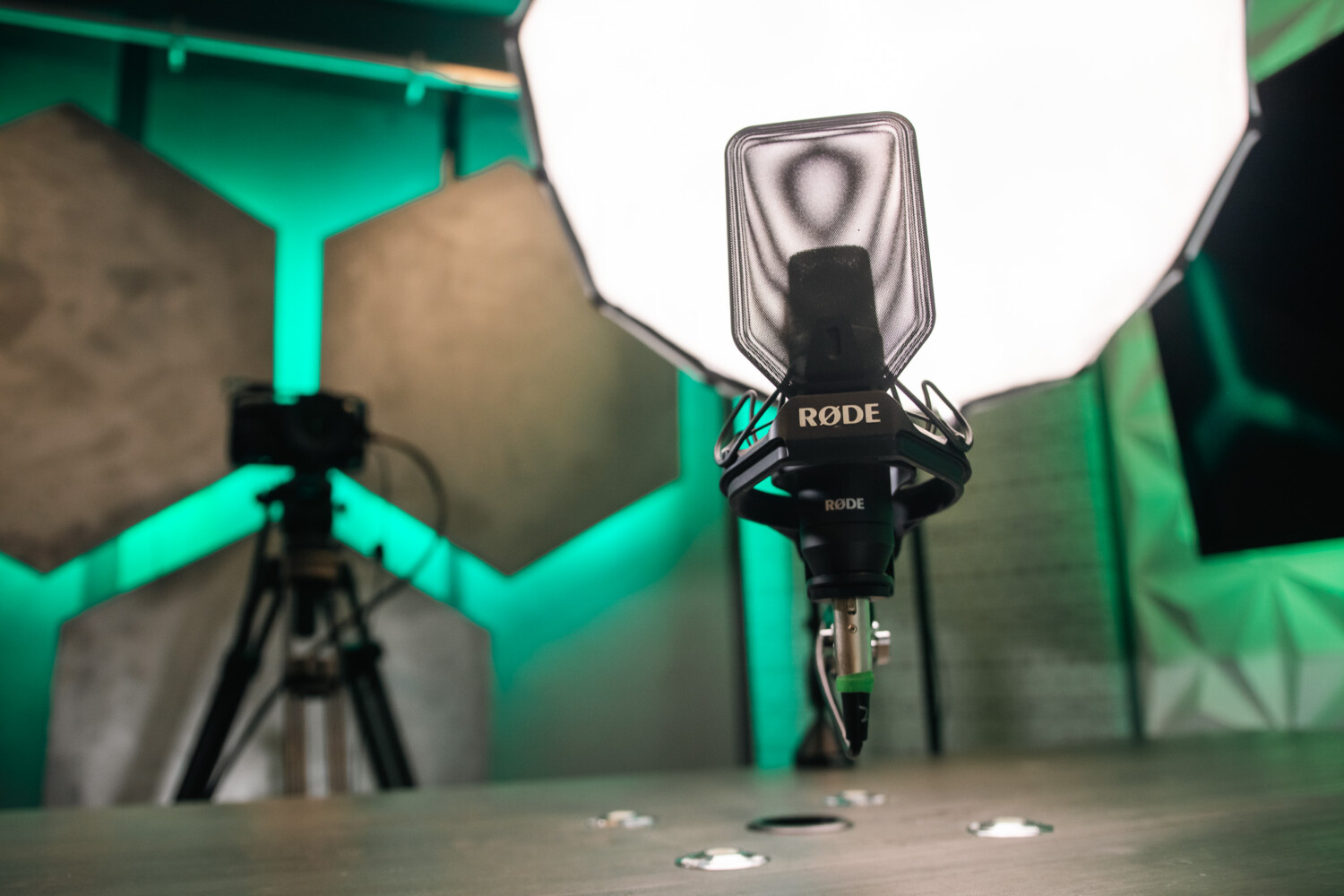
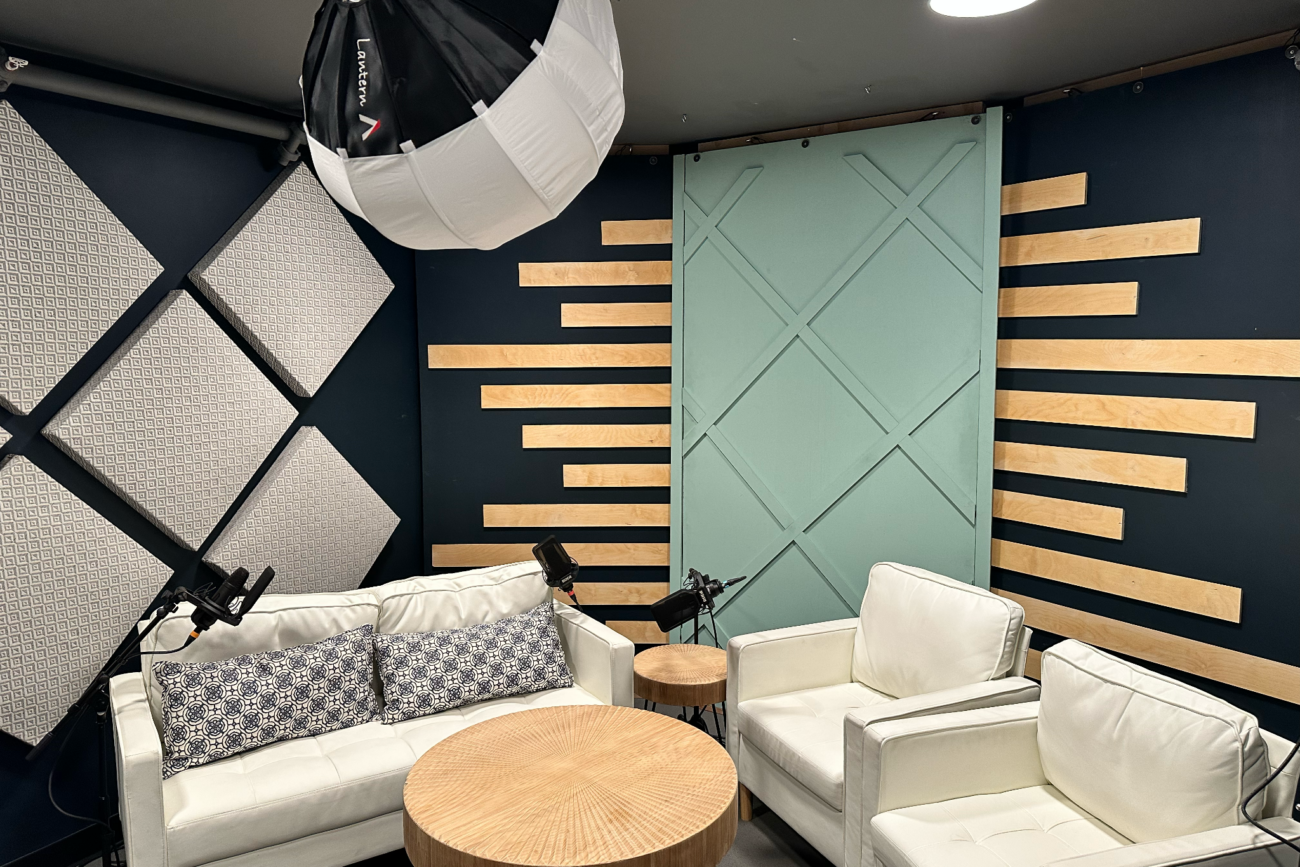
The Film Hub’s dedicated Podcast Studio includes four Shure SM7B microphones, four sets of headphones, and a RØDECaster Pro II for audio recording. The room also features professional lighting, a television that can be used for branding or remote guests, and adjustable LED background lighting to customize the look of your show. Cameras are not included, giving you the flexibility to bring your own equipment or work with a production team that fits your needs.
3. Choose a Room That Fits Your Show
A solo podcast, a two-person interview, and a four-person discussion each require a different amount of space.
A room that feels comfortable for two people may become crowded once you add more guests, cameras, lights, and production equipment. On the other hand, a large studio may be unnecessary for a simple audio conversation.
Consider how many people will regularly appear on the show, whether you expect occasional guests, and whether anyone else needs to be in the room managing the recording.
At The Film Hub, the dedicated Podcast Studio works well for traditional conversational podcasts and smaller video productions. The Talk Show Studio offers another option for shows that need a more developed visual presentation, multi-camera production, or a format that feels closer to a filmed interview series. We have a talk show set in Stage 2 Lumiere Studio for larger podcasts.
4. Pay Attention to the Background
For a video podcast, the room becomes part of your brand.
Viewers will notice the furniture, wall treatments, lighting, color, and anything placed behind the hosts. A cluttered or poorly lit background can make a strong conversation feel less professional, while a well-designed set can help make the show instantly recognizable.
Look for a studio that gives you some flexibility. You may want to adjust the lighting to match your brand colors, display a logo on a screen, add products to the set, or change the framing for different types of episodes.
The goal is not to make every podcast look identical. It is to choose a space that supports the tone and identity of your show without requiring you to rebuild the set every time you record.
The Podcast Studio includes customizable LED backlighting to match your branding, and a 50” Smart TV can also display your logo or bring in Zoom guests. The Talk Show Studio comes with 4 possible background options that you can swap around for different looks. Stage 2 has a window set with LED color-changing lighting and features more of a modern living room or talk show set.
Podcast Studio:
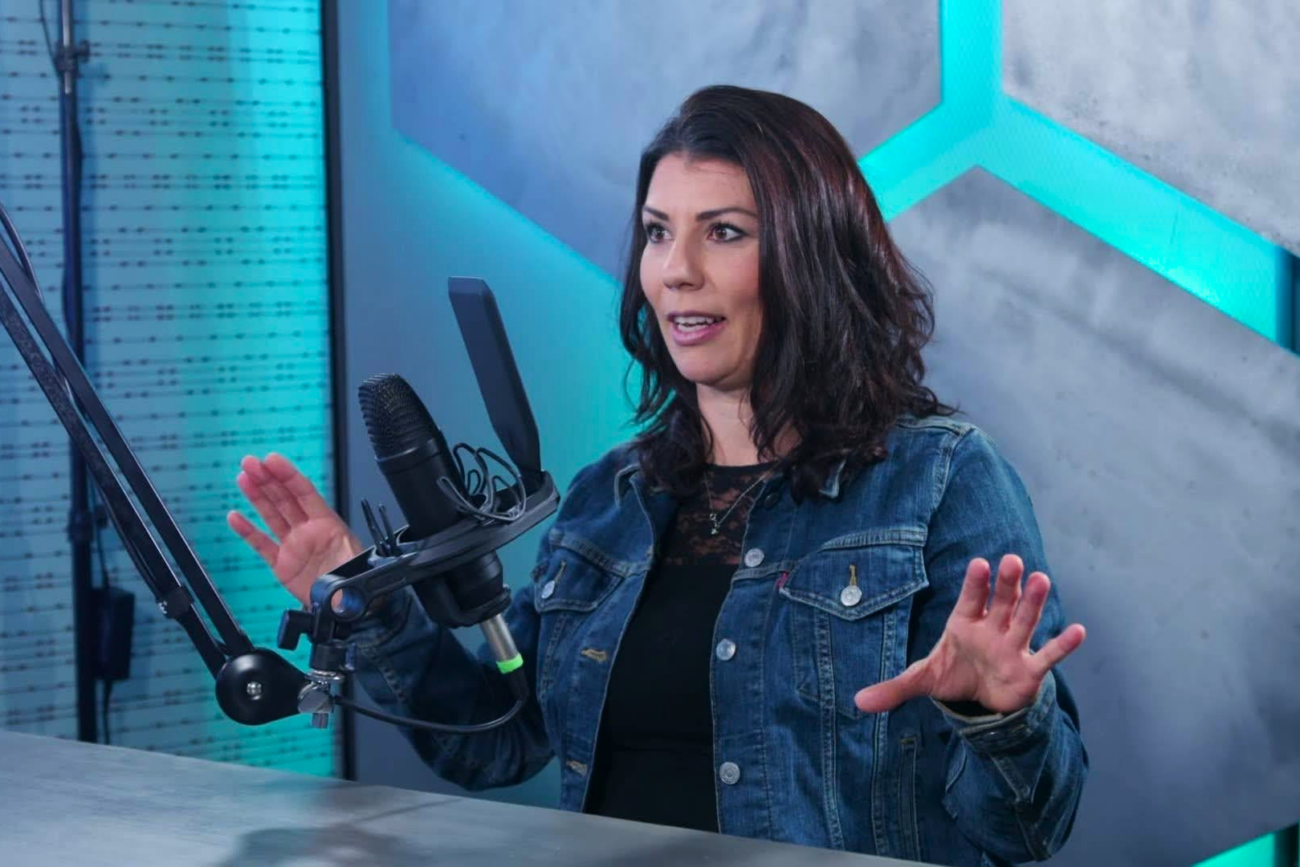
Off-Script Podcast
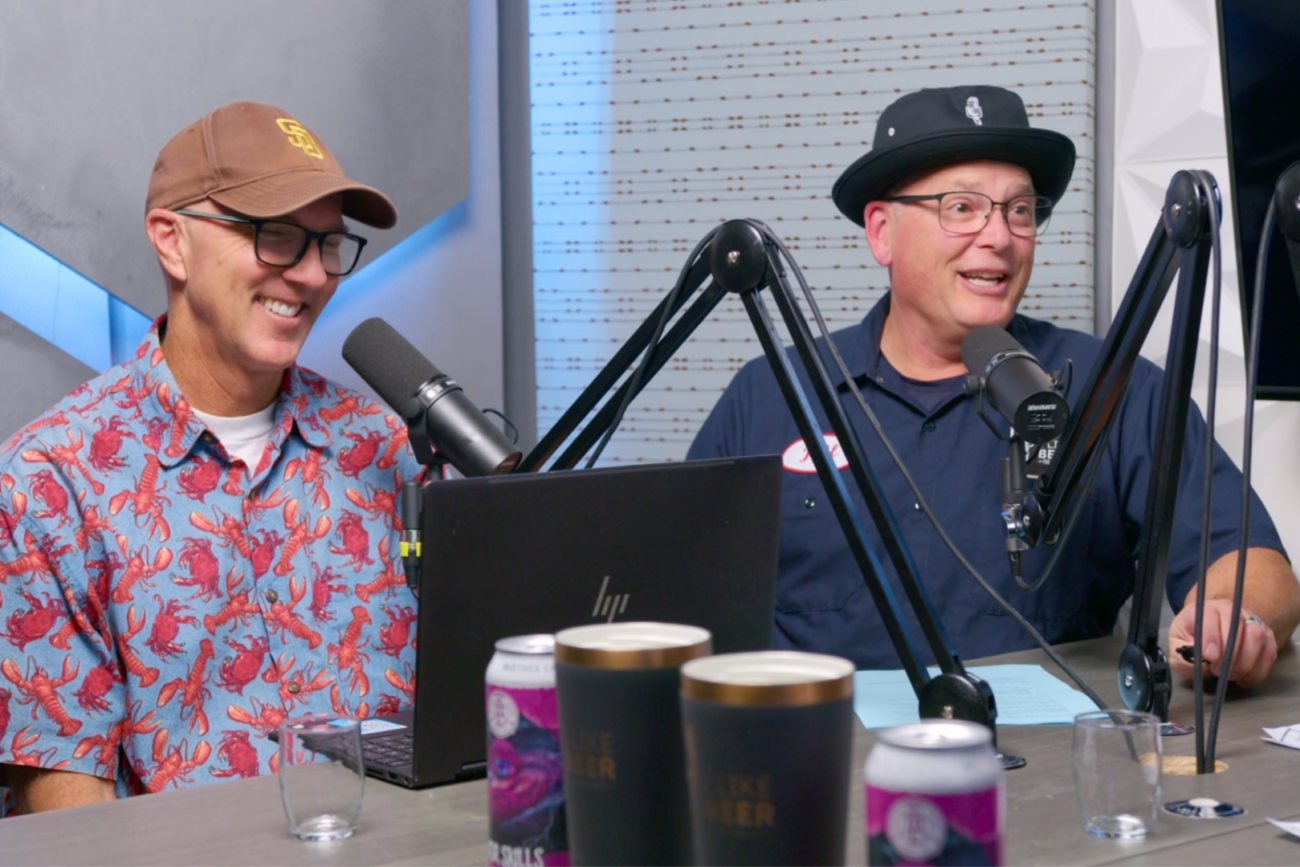
I Like Beer the Podcast
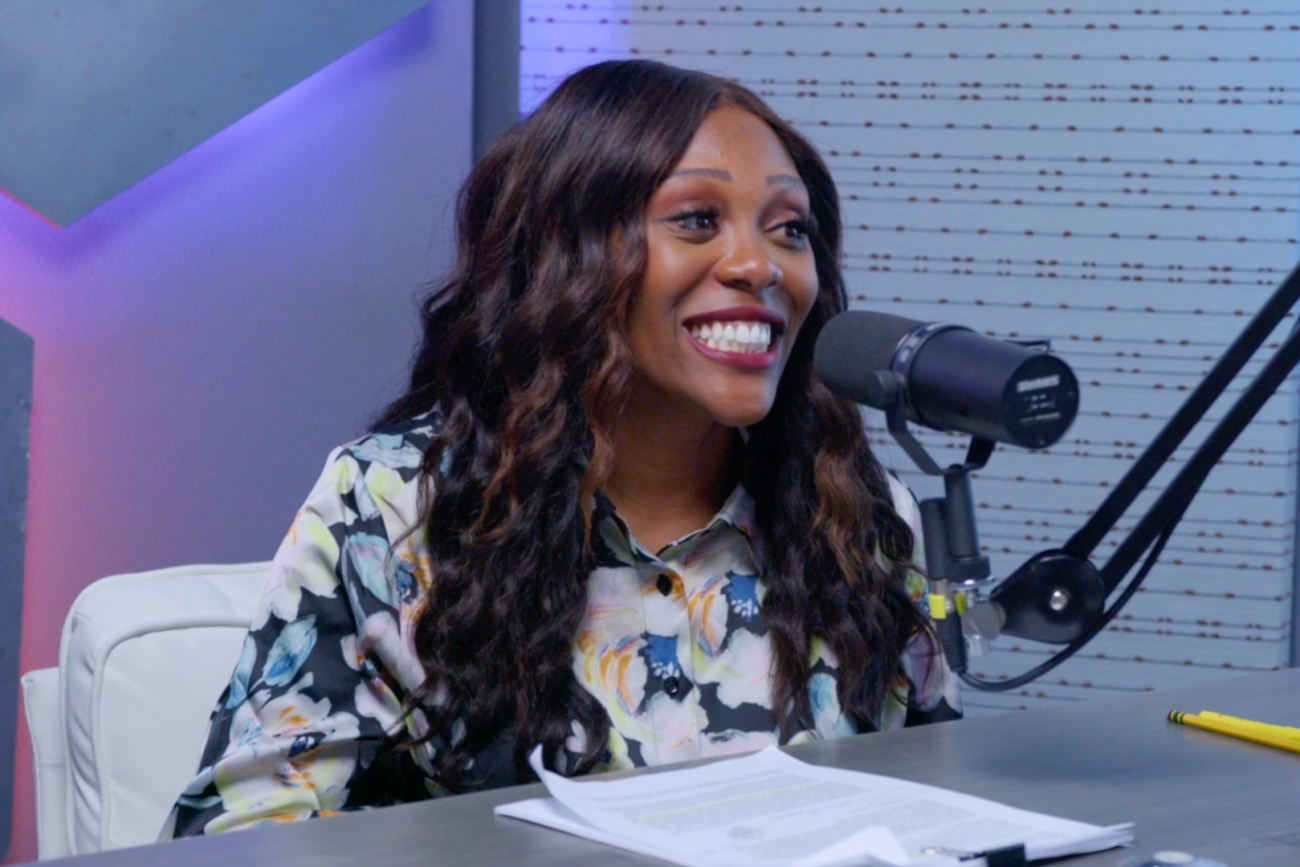
Coastal Crimes
Talk Show Studio:
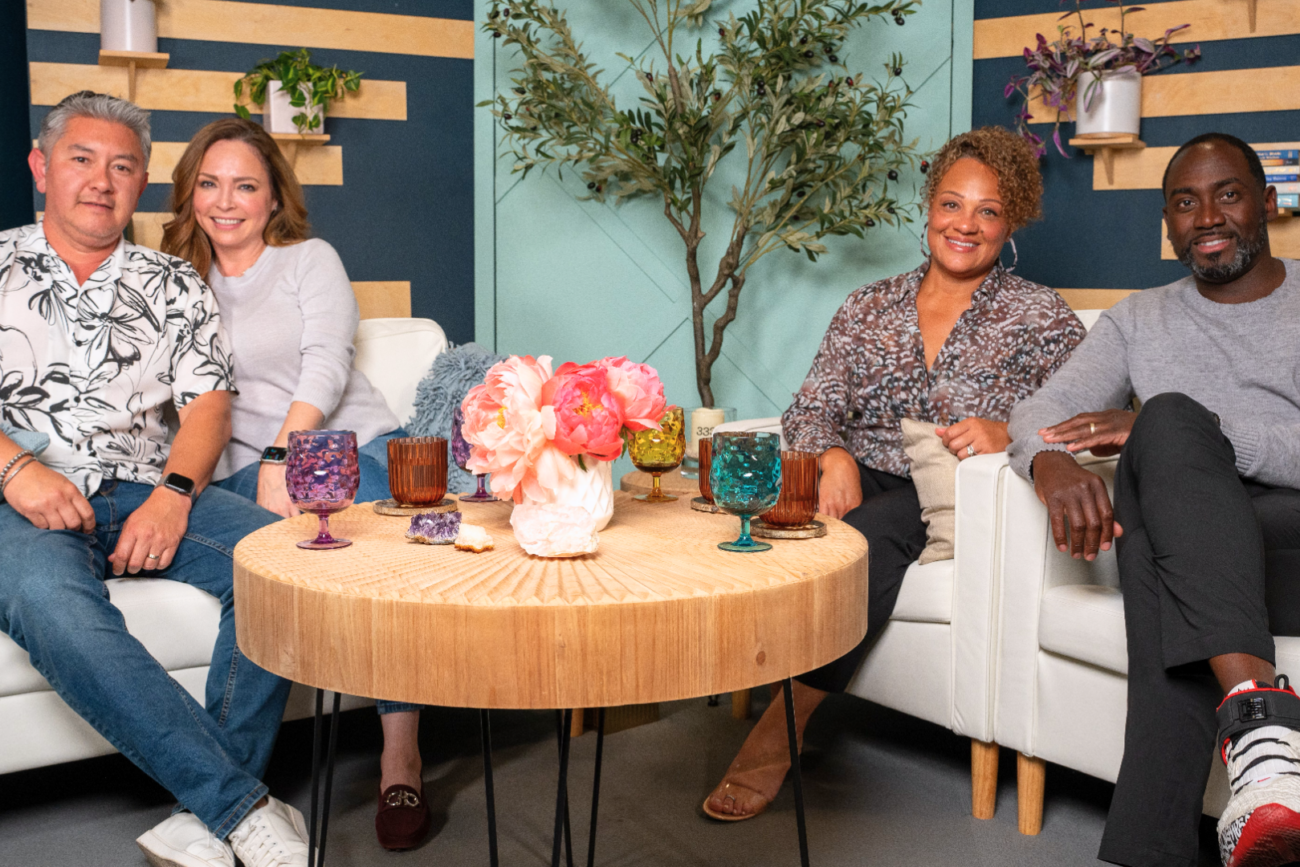
Couples Unfiltered
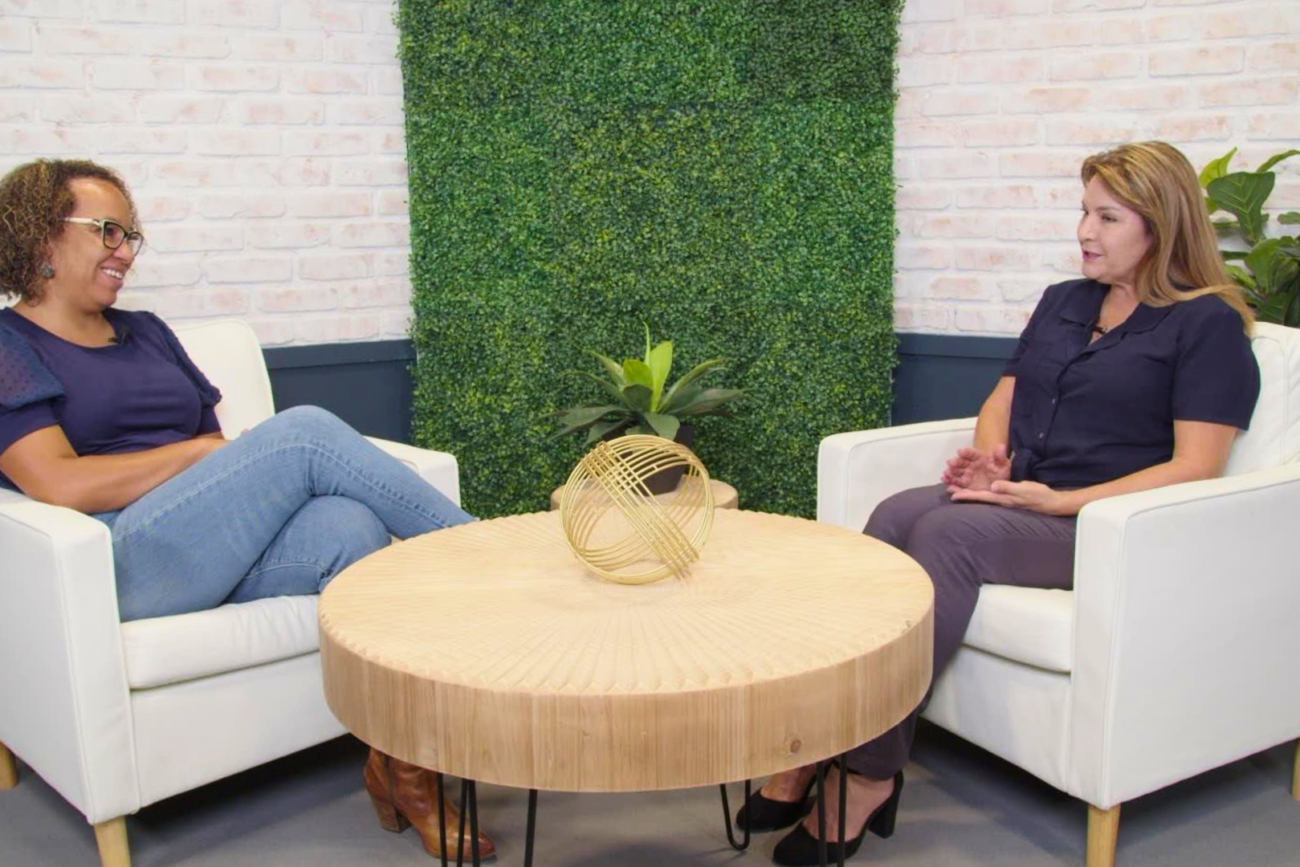
RSG
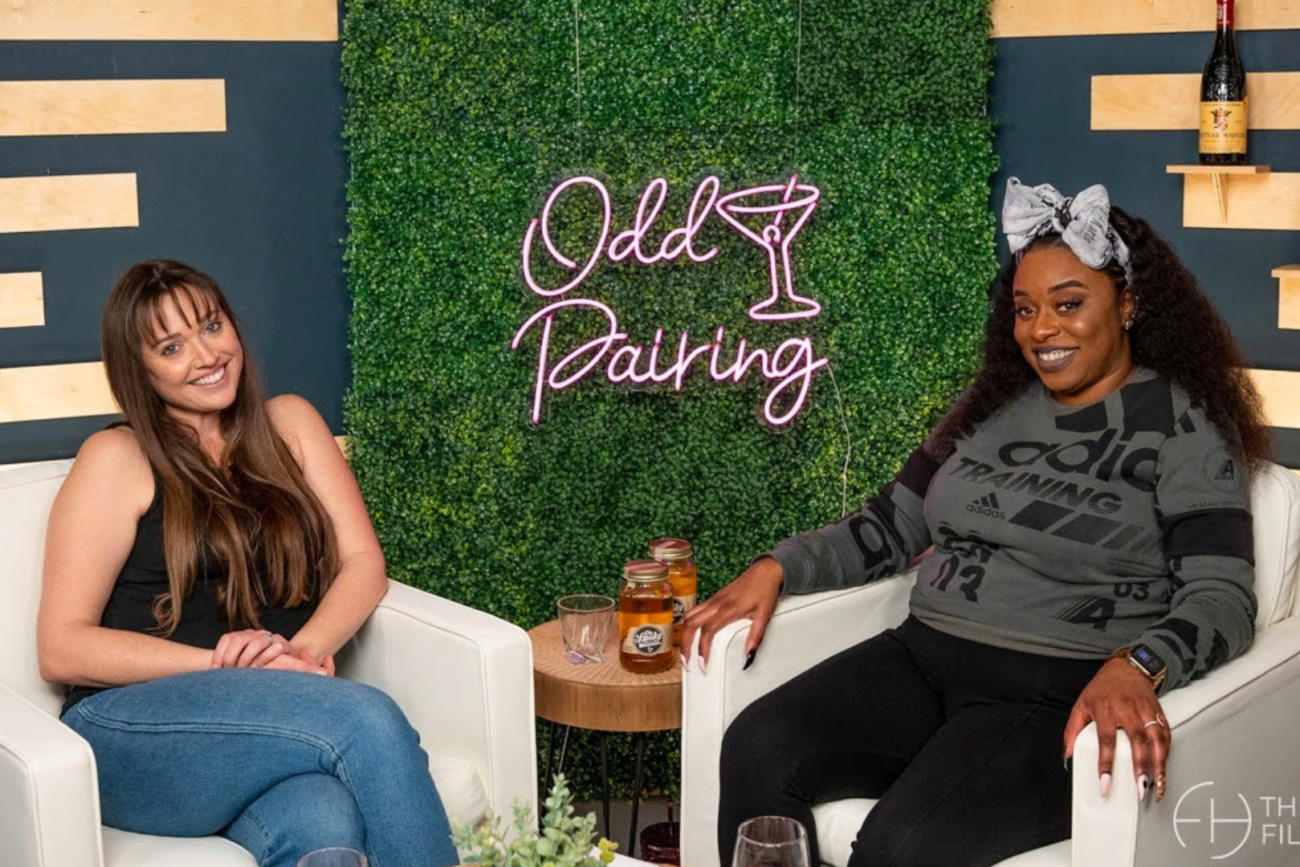
Odd Pairing
5. Ask How the Recording Process Works
A professional studio can simplify production, but it is still important to understand what happens when you arrive.
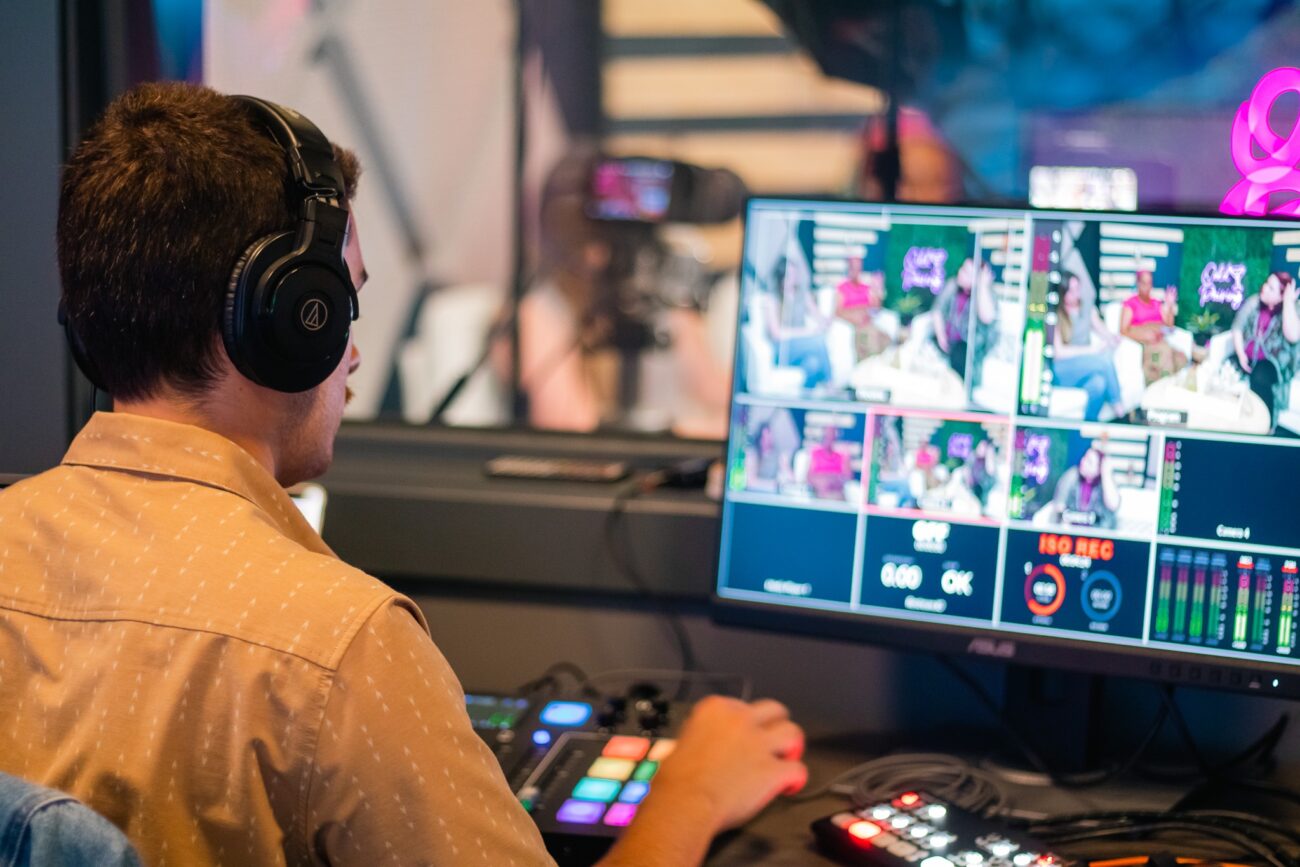
Ask whether the room is self-service, whether someone will help you get set up, and whether an engineer or producer is included. You should also find out how your files will be delivered, whether editing is available, and what happens if you need additional recording time.
If production support is not included, find out whether the studio can recommend trusted professionals who already know the space. You can also bring your own team, but it is worth confirming that they will have enough time to load in, connect their equipment, test audio and cameras, and prepare the set before recording begins.
Knowing these details ahead of time helps avoid using the beginning of your booking to solve technical problems or determine how the equipment works.
6. Plan for More Than the Full Episode
A podcast session can give you much more than one finished episode, especially when the cameras, microphones, lighting, and guests are already in place. With a little planning, the same booking can also produce short social clips, a show trailer, sponsor messages, guest photos, promotional videos, behind-the-scenes footage, or even an additional episode.
The key is to decide what else you want before the session begins. That way, your host, guests, and production team can move directly from the main recording into the extra content instead of trying to come up with ideas at the last minute.
For example, if you reserve two hours for a one-hour podcast and allow 30 minutes for setup and preparation, you still have roughly 30 minutes available. You could use that time to record a standalone introduction, announce the episode’s release, capture a few short promotional clips, or film behind-the-scenes footage for a future campaign.
Businesses can take the same approach with leadership interviews, educational series, client conversations, employee spotlights, and branded video content. The setup may look like a podcast, even when the final videos are intended for a website, internal training, social media, or a larger marketing campaign.
7. Check the Practical Details
The studio itself matters, but so does the experience around it.
Guests should be able to find the location, park without difficulty, and wait comfortably if they arrive early. Reliable internet is also important, particularly when bringing in remote guests, uploading files, or managing a livestream.
Other practical questions include:
- Is parking included?
- Is the room air-conditioned?
- Is Wi-Fi or wired internet available?
- Is there space to prepare before recording?
- Can food and drinks be brought into the studio?
- Is there room for additional crew members?
- What are the rescheduling and cancellation policies?
These details may not appear on camera, but they can determine whether the recording day runs smoothly.
The Film Hub offers free parking, Wi-Fi and fiber internet, climate-controlled spaces, and access to additional rooms throughout the facility when needed. Our Green Room is a great space to meet with guests or have them get ready before the show begins.
8. Choose a Studio That Gives Your Show Room to Grow
Your first episodes may be simple, but the way you produce your podcast can change over time.
You may begin with audio and later add video. You may introduce additional hosts, invite more guests, add branded set pieces, record live episodes, or expand into a larger interview or talk-show format.
Choosing a studio with more than one production option makes that transition easier.
The Film Hub is more than a single podcast room. The facility also includes the Talk Show Studio, production stages, a white cyclorama, a fully functional kitchen set, meeting rooms, coworking memberships, and event spaces.
That means your podcast can grow into a larger content series, branded production, live screening, workshop, or audience event without requiring you to establish an entirely new production relationship somewhere else.
Record Your Podcast at The Film Hub
Located in North County San Diego, The Film Hub offers podcast studio rentals for independent creators, companies, nonprofits, interview shows, and branded content teams.
The traditional Podcast Studio provides a comfortable environment for audio and video conversations with up to four microphones, professional broadcaster, lighting, and adjustable LED lighting for your background.
For productions that want more of a casual feel instead of a traditional podcast table check out the Talk Show Studio. This room also includes 4 backgrounds to change to fit your show look!
Stage 2 Lumiere studio doesn’t offer any equipment, but it’s a large soundstage with a big talk show set. Bring in your own crew to set up lighting, camera and even a live audience if you want.
Whether you are recording your first episode, producing an established show, or building an ongoing video series for your business, our team can help you choose the space that makes the most sense for your format.
Ready to record your next episode? Contact The Film Hub to explore our podcast studios, ask about availability, or schedule a tour.